by Waheed Burna | Sep 14, 2026 | Accounting & Finance, Reporting & Analytics
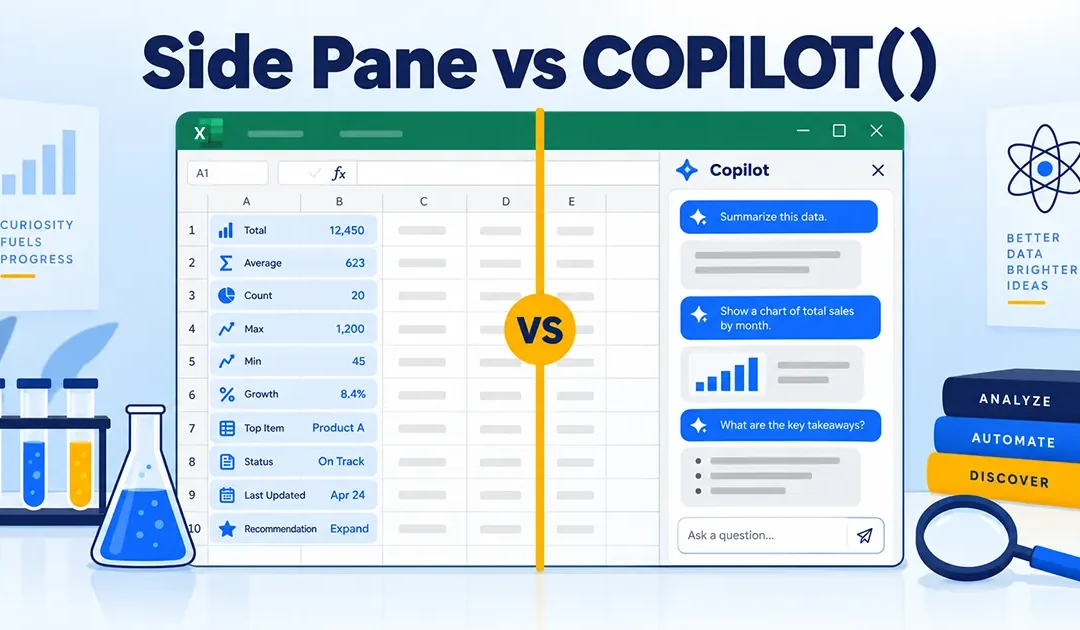
Microsoft’s answer to the retirement of =COPILOT() is the Copilot side pane. The official line is that it “provides many of the same AI-powered capabilities, including summarizing text, classifying data, generating content, and retrieving information from...
by Waheed Burna | Sep 11, 2026 | Accounting & Finance, Reporting & Analytics
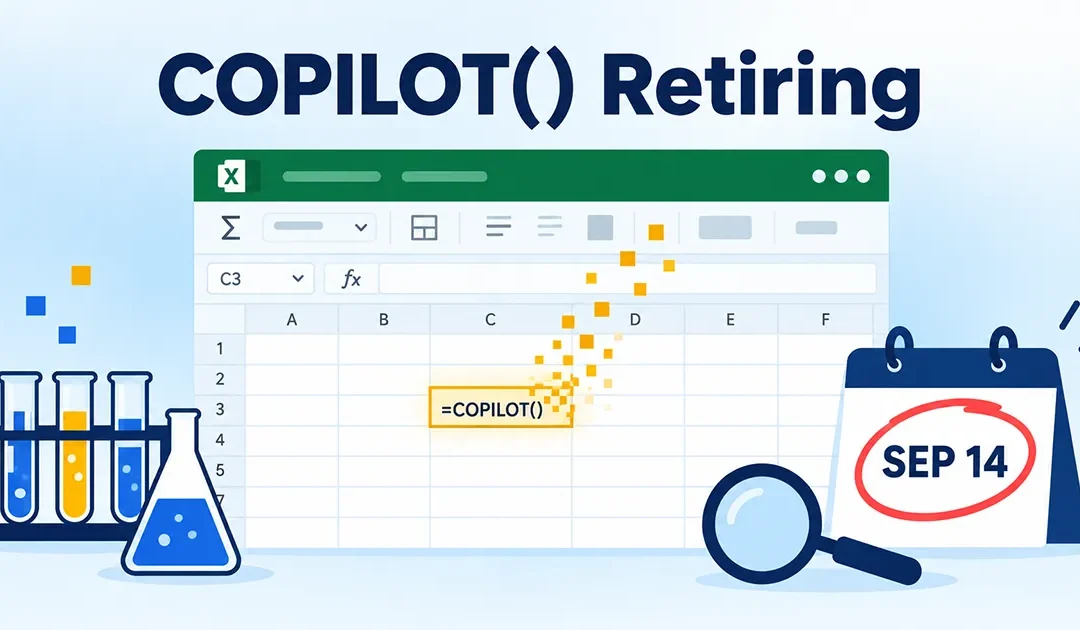
Microsoft is retiring the =COPILOT() function in Excel. The support documentation states it plainly: “Starting September 14, 2026, the COPILOT function will no longer be available.” Microsoft’s own support documentation. The date is not in dispute....
by Waheed Burna | Jun 3, 2026 | Accounting & Finance, Reporting & Analytics
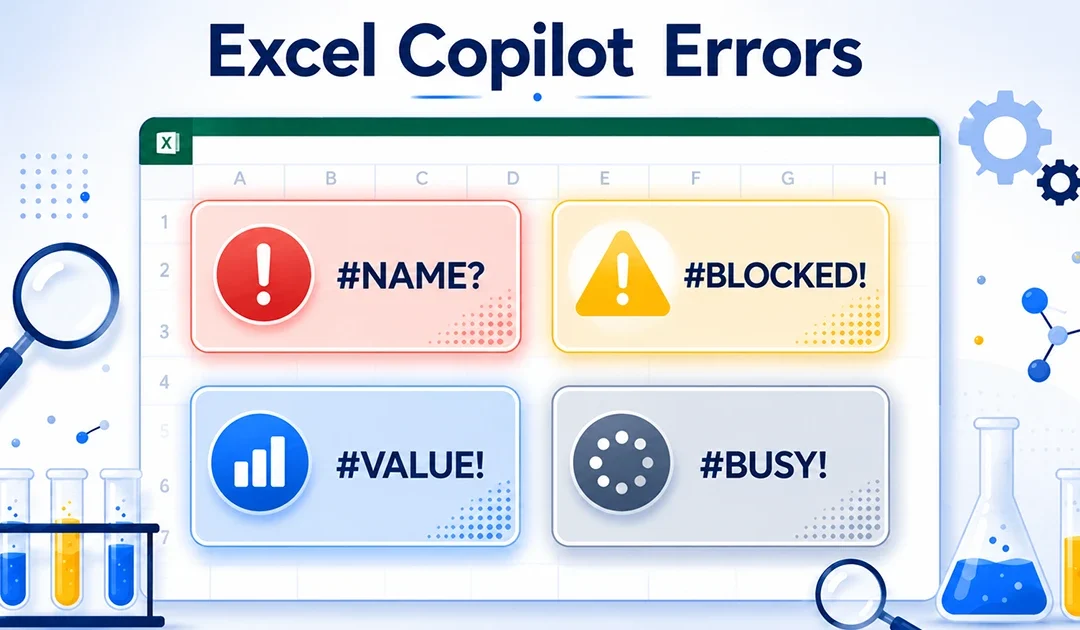
You got =COPILOT() to show up in Excel. The formula bar autocompletes. The function runs. But now it is throwing errors during execution. Or worse — it is running and returning answers, except the answers are wrong. That is a different troubleshooting problem from...
by Waheed Burna | Jun 3, 2026 | Accounting & Finance, Reporting & Analytics
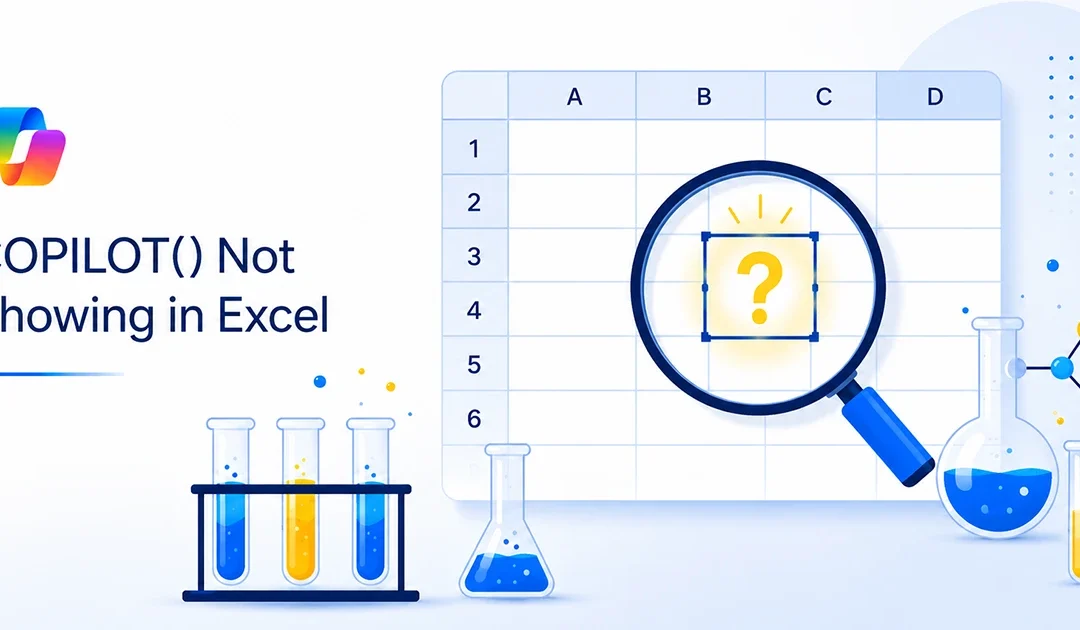
You typed =COPILOT( into a cell and Excel either auto-completes to something else, throws #NAME?, or just ignores you completely. Frustrating — especially after reading articles that make the function sound like it’s already available to everyone. Here’s...
by Waheed Burna | May 25, 2026 | Accounting & Finance, Reporting & Analytics
Microsoft is bringing AI directly into Excel formulas with the new =COPILOT() function. At first, this sounds like a huge deal — and in some ways, it is. You can write a prompt inside a cell, point it at your data, and let Excel return an AI-generated answer right in...